
How To Record Running Result
What is Virtual Run (“VR”) ?
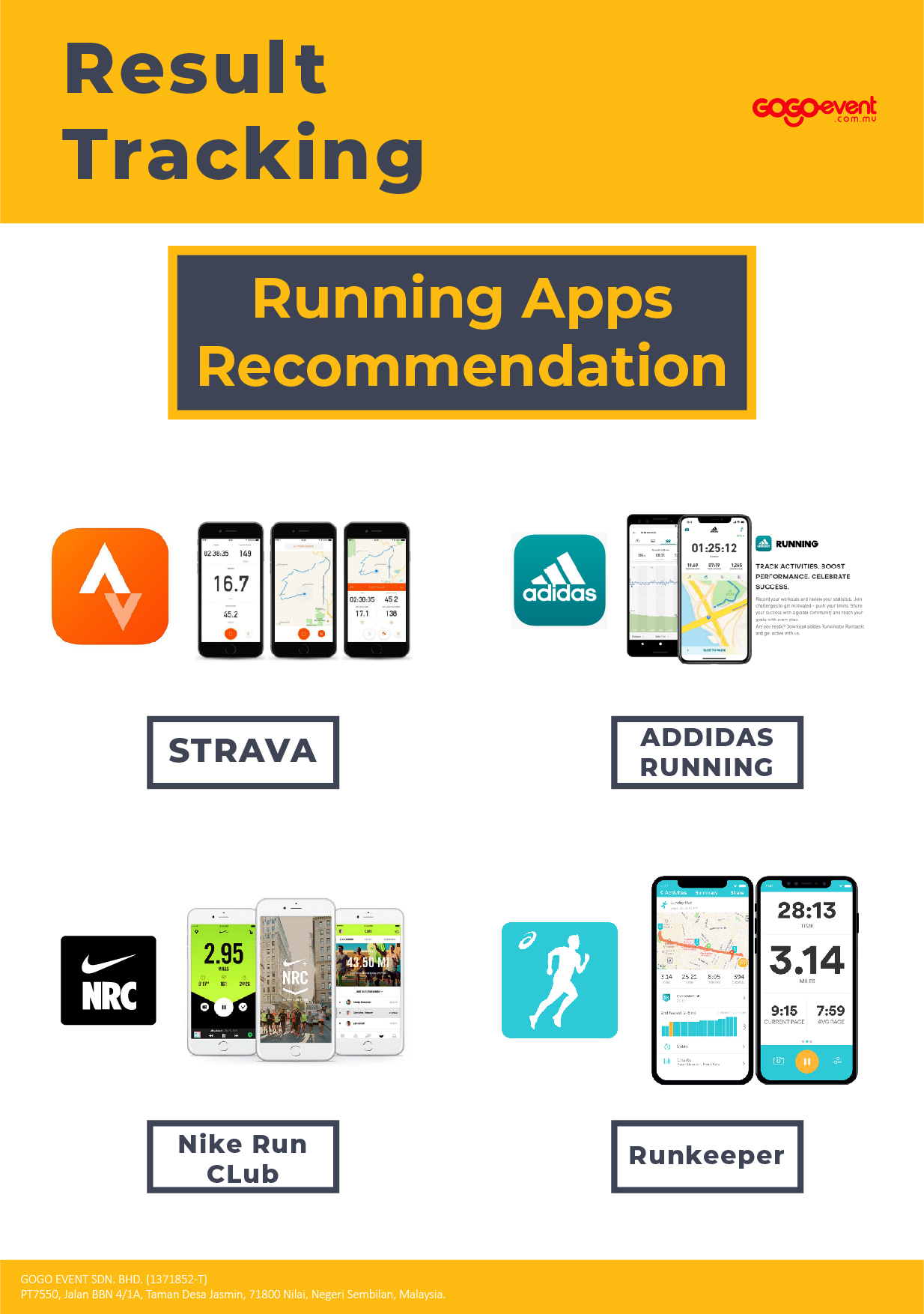
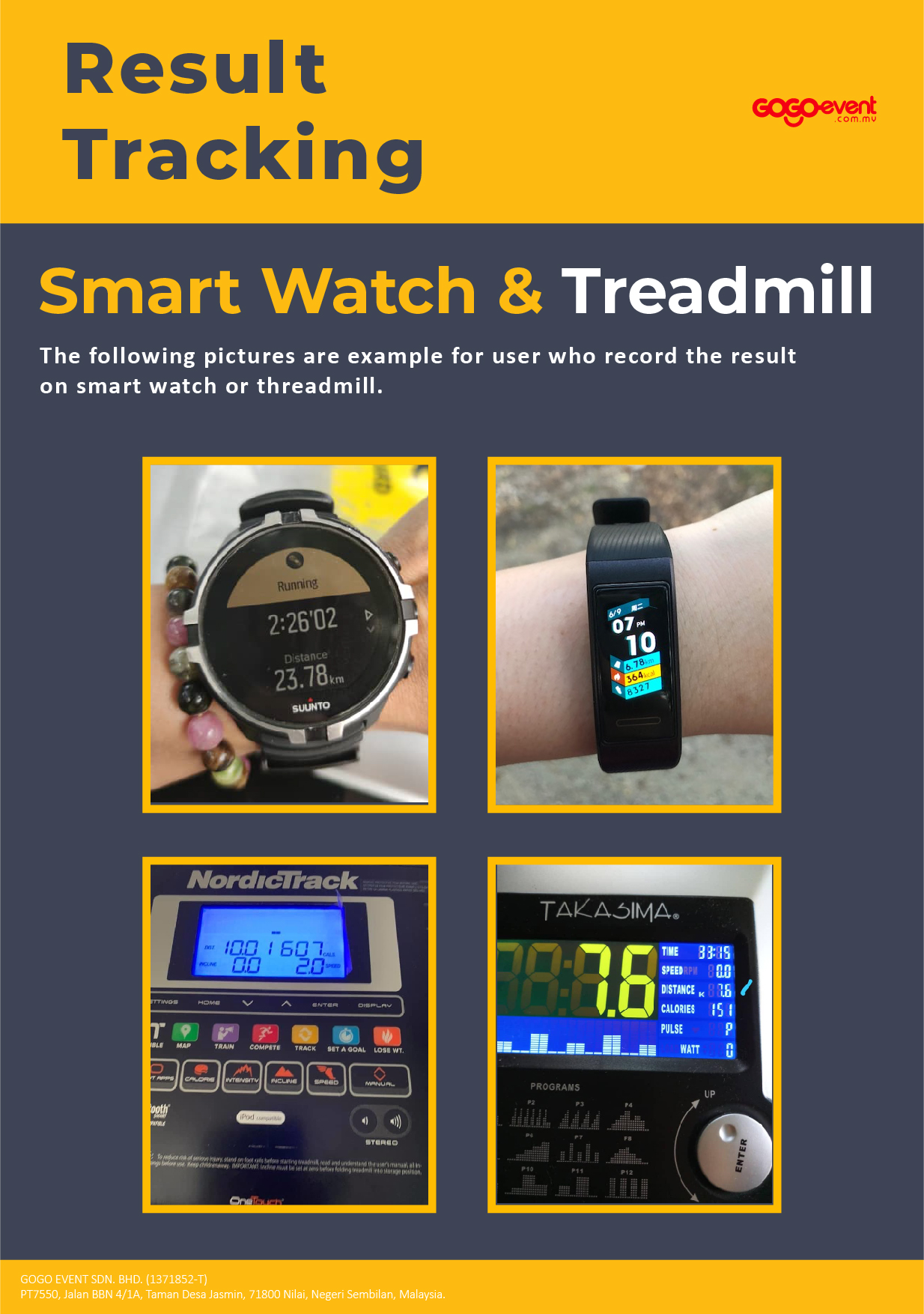
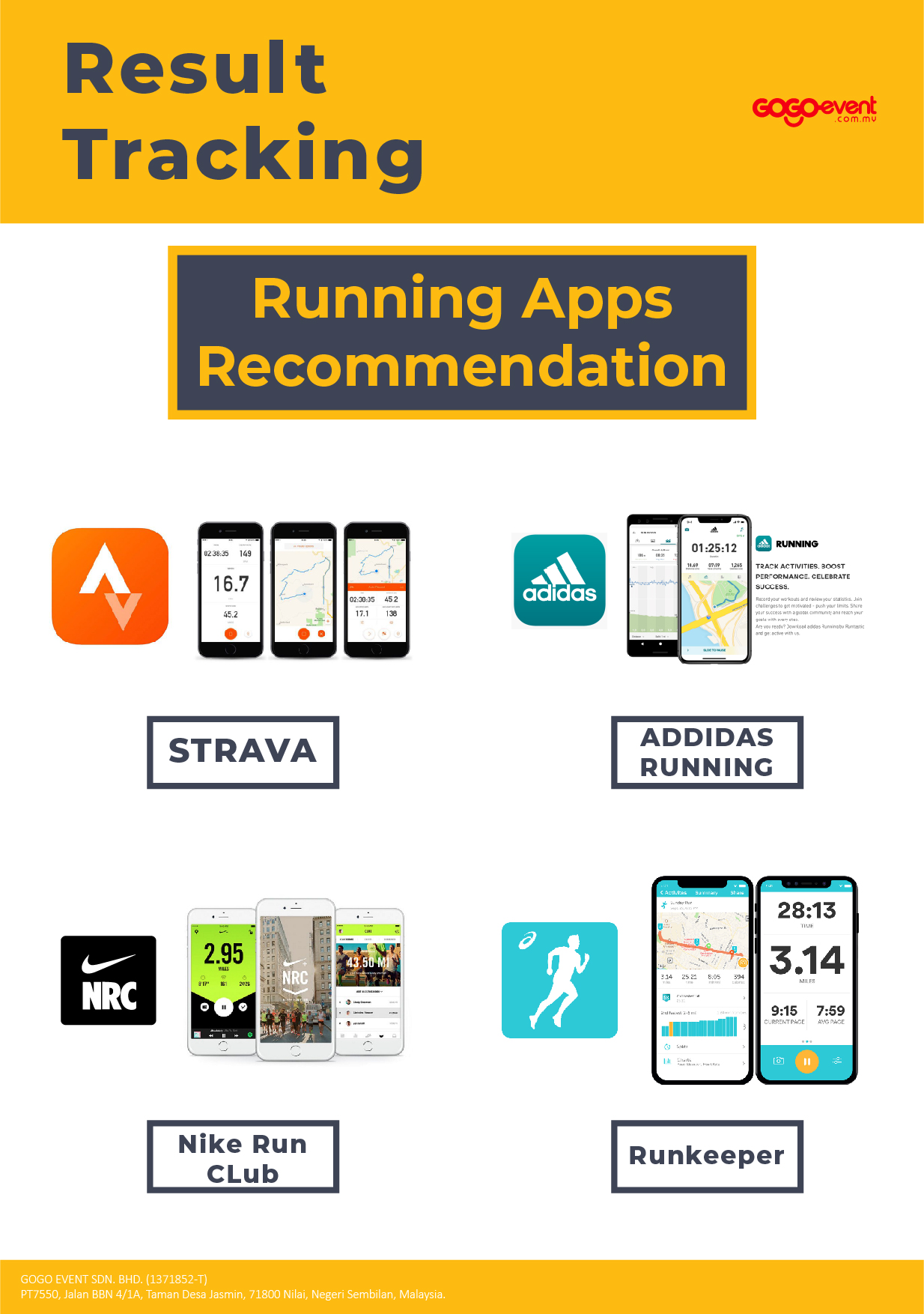
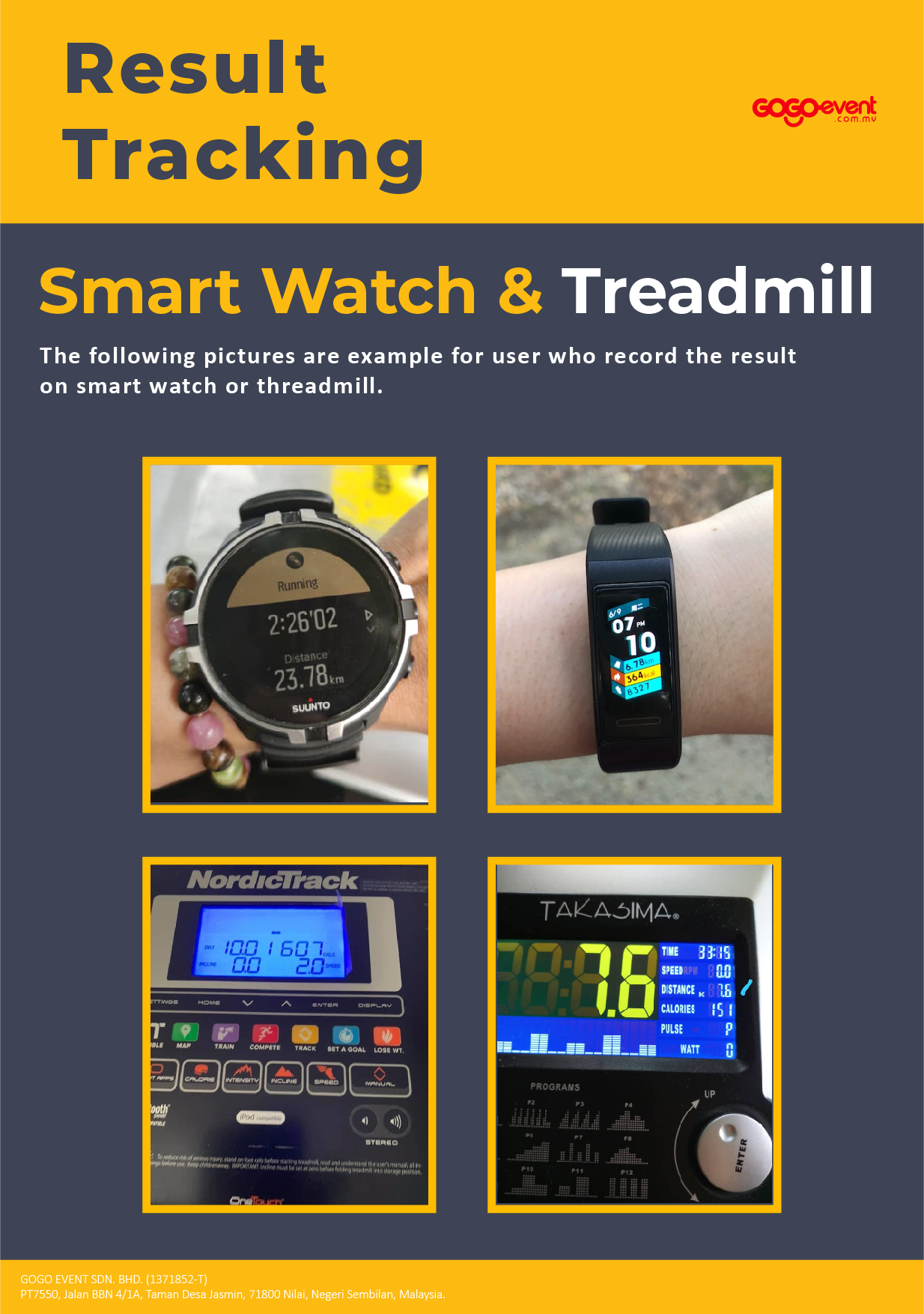
Virtual Run is a run event that participant can run anytime, at anywhere (indoor on treadmill, or outdoor) which are safe within the running period by tracking the run using any Running Apps (example : STRAVA, Nike+, Adidas Run, Huawei Health, etc). Once the run is completed, participant to snapshot the run result and submit it to the organizer in order to receive the run entitlement (medal, running t-shirt, etc)
How To Track Your Running Result ?
If you are running :
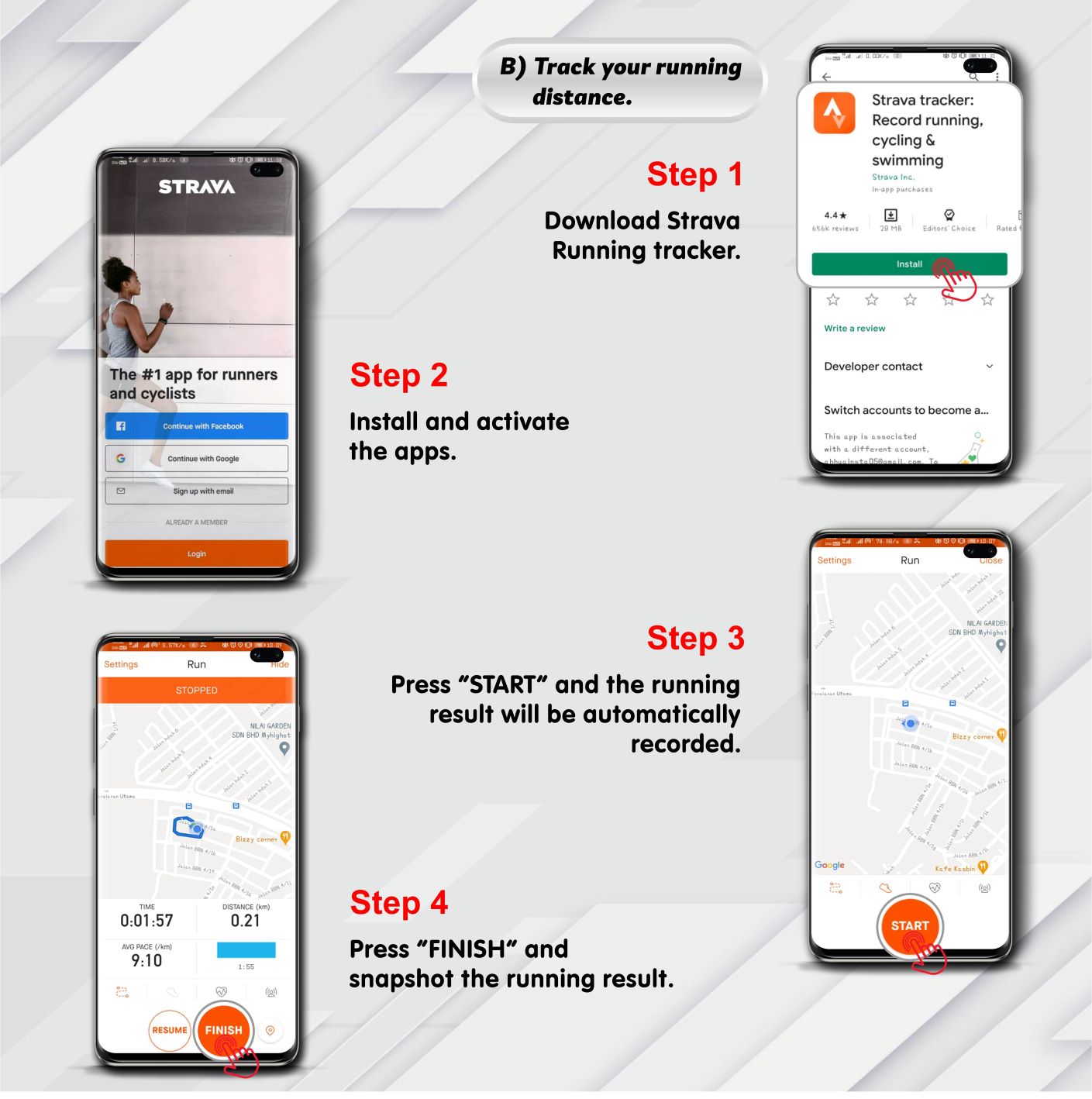
1) Download STRAVA Running Tracker
2) Install and activate
3) Press “START” and the running result will be automatically recorded
4) Press “FINISH” once completed, snapshot the result and submit to organizer.
* Besides STRAVA, participants may use any Running App.
.jpg)
If you are walking :
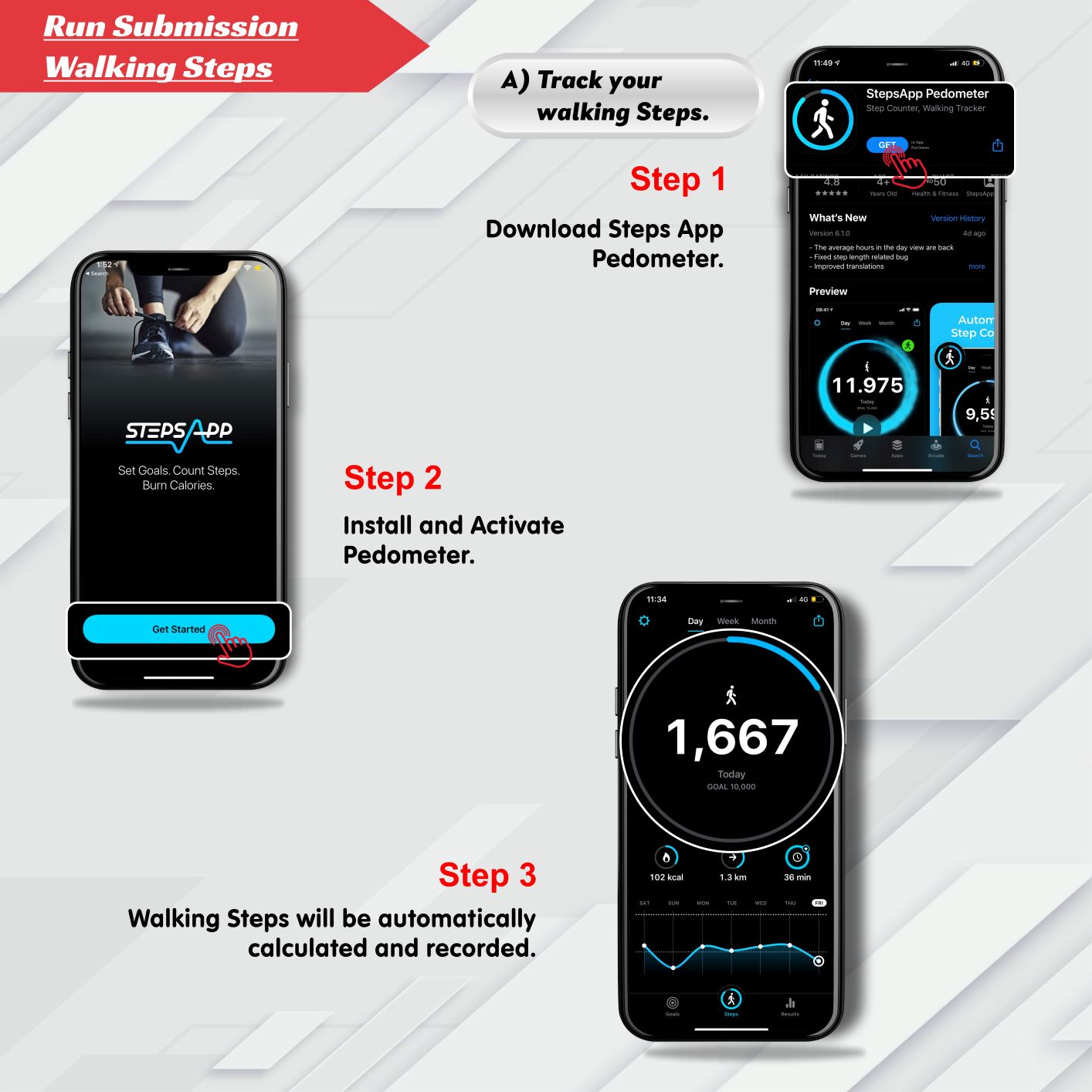
1) Download Steps App Pedometer
2) Install and activate the Pedometer
3) Walking steps will be automatically calculated and recorded
Once completed, snapshot the result and submit it to the organizer.
* 1km = 1,500 steps
.jpg)